
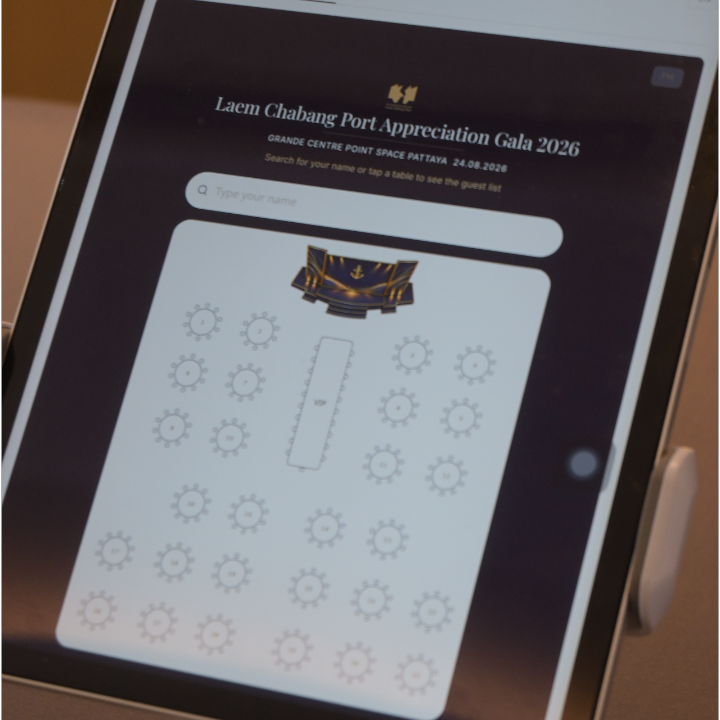
The easiest way to help wedding guests find their table is to make the seating information easy to search, easy to read, and available before guests begin asking staff for help.
For smaller weddings, a printed seating chart near the entrance may be enough. For larger guest lists, an alphabetical list or a QR-based name search can make it much easier for guests to find their table without scanning through hundreds of names.
The right option depends on your number of guests, venue layout, and how you want the arrival experience to feel.
Why finding a table can become difficult

A seating plan may look simple from the organizer's side: every guest has a name and a table number.
The guest experience is different.
When several hundred people arrive around the same time, they may all be trying to find their names while greeting friends, taking photos, registering, or waiting to enter the reception.
A large printed seating board can quickly become crowded. Guests may also miss their name if the list is organized by table rather than alphabetically.
The goal isn't simply to display a seating chart. The goal is to let each guest answer one question quickly:
“Where am I sitting?”
Option 1: A printed seating chart
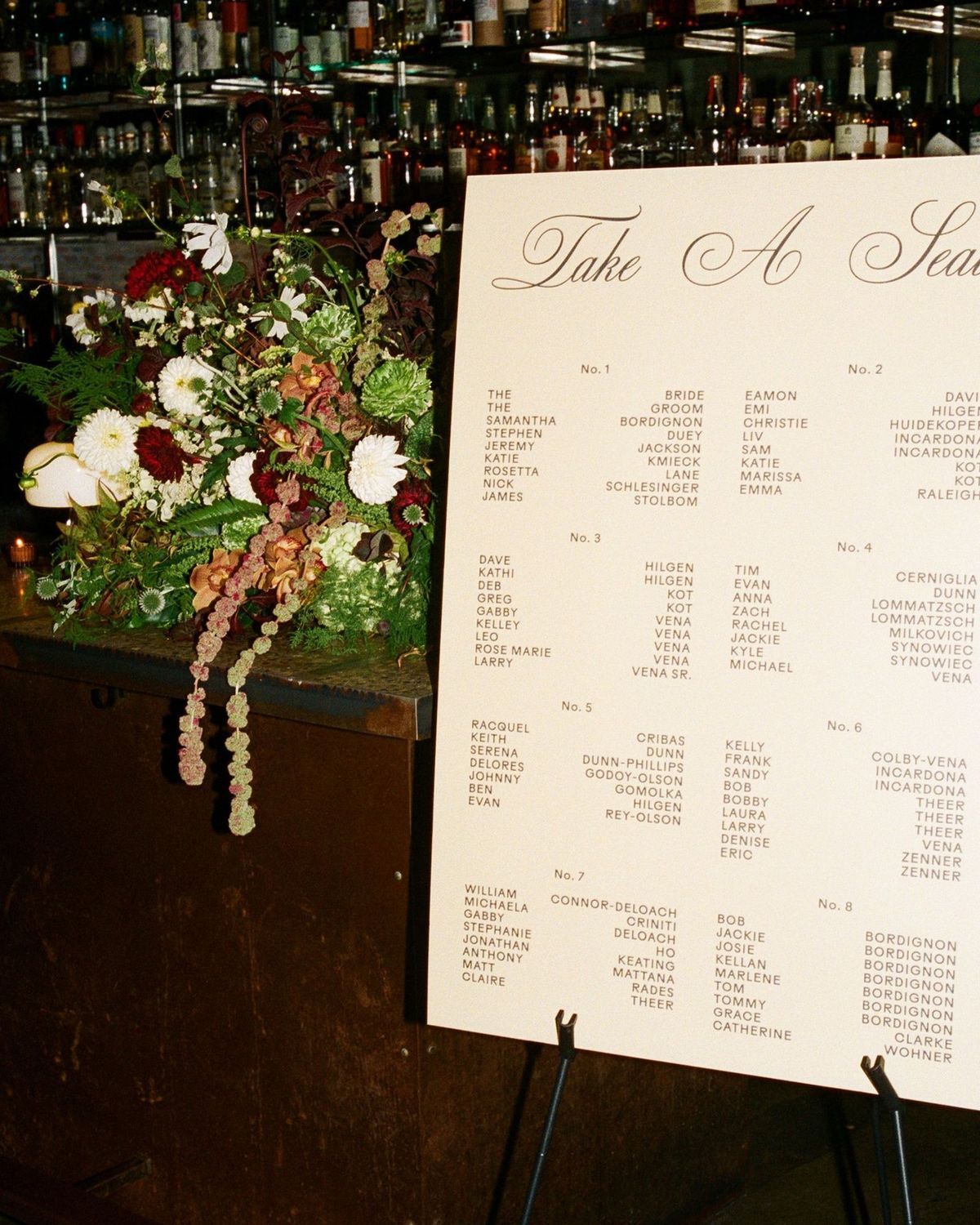
A printed seating chart is the traditional approach and can work very well for smaller or highly designed weddings.
Guests walk to the display, find their name, and check their table number.
It has several advantages. It can become part of the wedding decoration, doesn't require guests to use their phones, and is easy to understand.
The limitation is scale.
If you have hundreds of guests, a single display can become a gathering point near the entrance. It can also be difficult to make last-minute seating changes after the chart has been printed.
If you use a printed chart, arranging names alphabetically by guest name is usually easier for guests than making them search table by table.
Option 2: Staff-assisted guest lookup
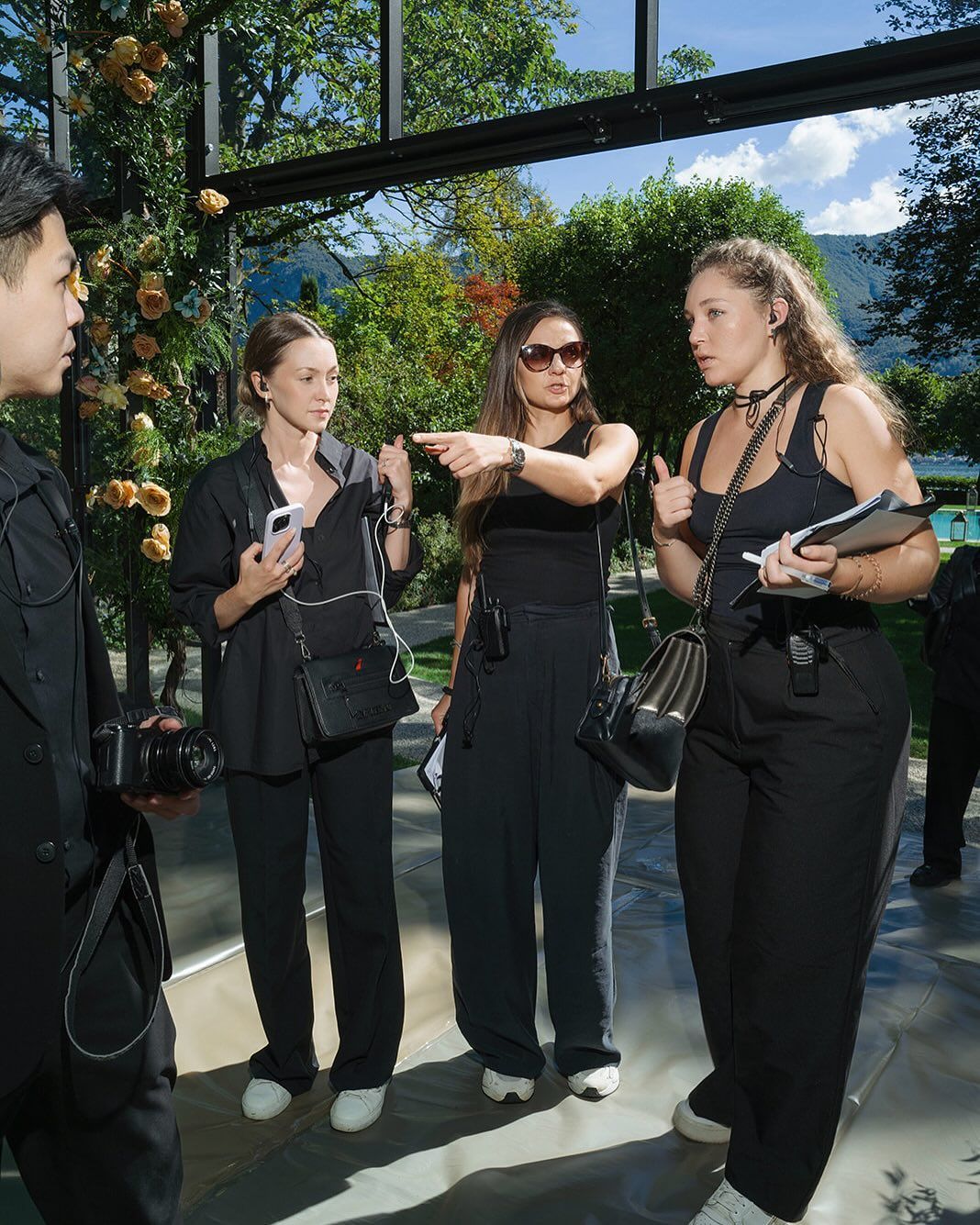
Another approach is to have registration or reception staff look up each guest's table.
A guest gives their name, staff searches a list, and tells them where to sit.
This can create a personal welcome and works well when staff are already checking invitations or registrations.
However, it also creates another task for the front-of-house team.
During the busiest arrival period, staff may be handling registration, answering venue questions, directing guests, and helping with seating at the same time.
For events with larger guest lists, it can be useful to let guests find their seating information themselves while keeping staff available for guests who genuinely need assistance.
Option 3: An alphabetical guest list
Instead of displaying guests by table, you can provide one alphabetical list with each person's assigned table.
For example:
David Arun — Table 8
Emily Tan — Table 6
Sarah Wong — Table 10
This makes searching much faster because guests already know exactly what information to look for: their own name.
An alphabetical list can be printed, displayed on a screen, or made available digitally.
For many events, simply changing from a table-first layout to a guest-first search experience is already a significant improvement.
Option 4: QR code + name search
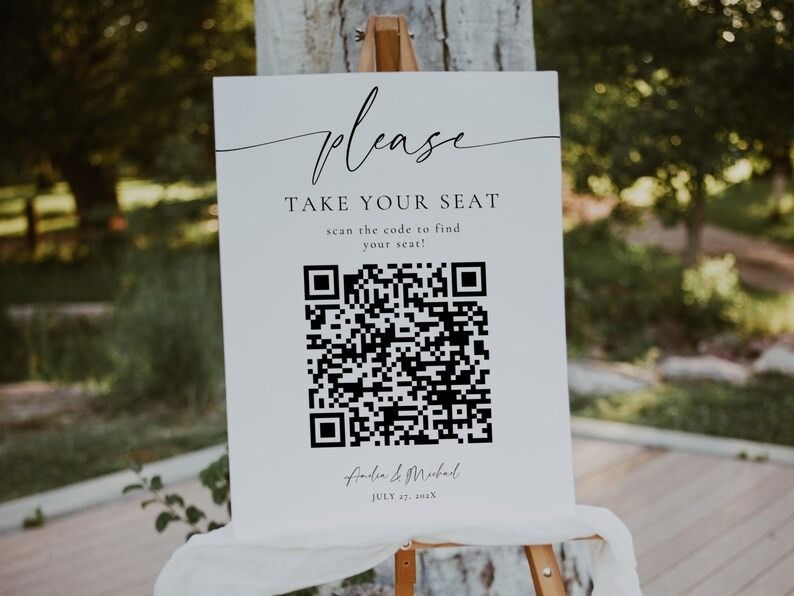
A digital seating finder takes the alphabetical-list idea one step further.
Instead of scanning a large list, guests scan a QR code and search their own name.
The experience can be as simple as:
- Scan the QR code at the event entrance.
- Search your name.
- Select your name from the suggestions.
- See your table and, if assigned, your seat number.
- View the event floor plan if one has been provided.
Guests don't need to install an app. The seating page can open directly in their mobile browser.
This is particularly useful when the guest list is large or when seating information might change close to the event date.
Should you use a QR code instead of a printed seating chart?
Not necessarily.
A printed chart and QR search solve slightly different problems.
A printed chart can be a beautiful visual element in the venue. A digital search tool is designed to make individual lookup fast.
For some weddings, using both can work well.
The printed board remains part of the styling, while a small QR sign gives guests another way to find their table if the board is busy or they prefer searching by name.
You don't have to replace the physical wedding experience with technology. The digital tool can simply support it.
Where should the QR code be placed?
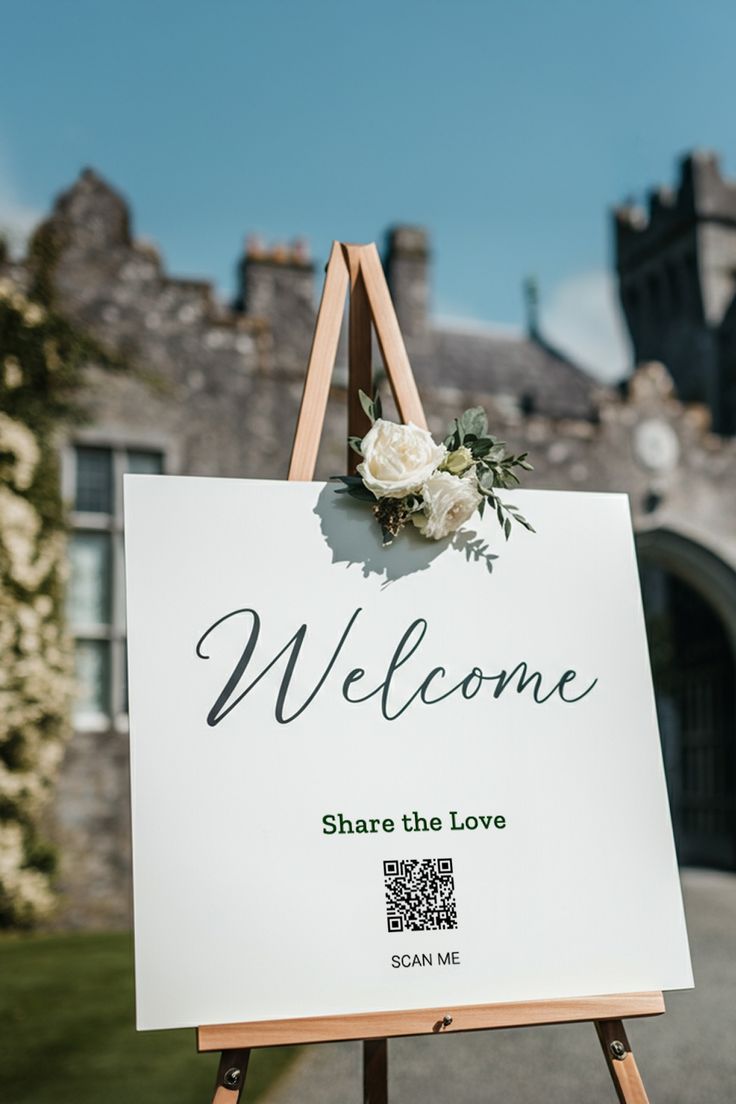
If you're using a QR-based seating finder, place it where guests naturally need the information.
The entrance or registration area is usually the most useful location.
The sign itself doesn't need much copy. Something as simple as:
Find Your Seat
Scan the QR code and search your name.
is enough.
Avoid making guests read several instructions before they can use it.
You can also include the seating link in digital event communication if you want guests to be able to check their table before arriving.
What information should guests see?
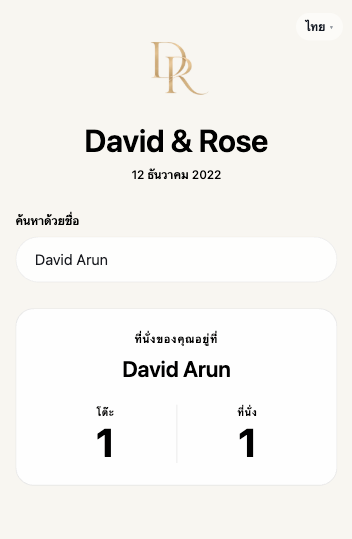
Keep the result simple.
Most guests only need:
Guest name → Table → Seat
If you have assigned individual seats, show the seat number. If the wedding only assigns tables, don't add unnecessary information.
For events with a floor plan, you can also let the guest open a static venue map after finding their table.
The seating result should be the most visually prominent information on the page.
What about last-minute seating changes?
This is one of the main practical differences between printed and digital seating information.
Once a printed chart has been produced, changing a guest's table can require a reprint or manual correction.
With a digital guest search, organizers can update the guest information before the event goes live—or according to the product's available editing workflow—and the guest sees the current published seating information when they search.
Regardless of the method you choose, it is still important to keep one reliable seating list as your source of truth.
How Find Your Seat works
Find Your Seat is a self-service seating search page for weddings and events.
You add or import your guest list, assign table and seat information, customize the guest-facing page, and publish when you're ready.
At the event, guests scan your QR code or open the event link, search their name, and see their seating information on the same page.
There is no app for guests to install.
If your event includes a floor plan, the Search + Floor Plan option can also give guests access to a static floor plan after they find their seat.
Which method is best for your wedding?
For a small wedding, a beautifully designed printed chart may be all you need.
For a larger wedding, an alphabetical list makes searching easier.
If you want guests to search independently from their phones, a QR-based seating finder can provide a faster digital option.
And you don't necessarily have to choose only one.
A well-designed wedding arrival can combine the physical and digital experience: a beautiful seating display for the venue, plus a simple QR code for guests who want to find their table immediately.