Two-character search
Guests start typing their name and matches appear immediately - no dropdowns to scroll, no exact spelling required.

The guest experience
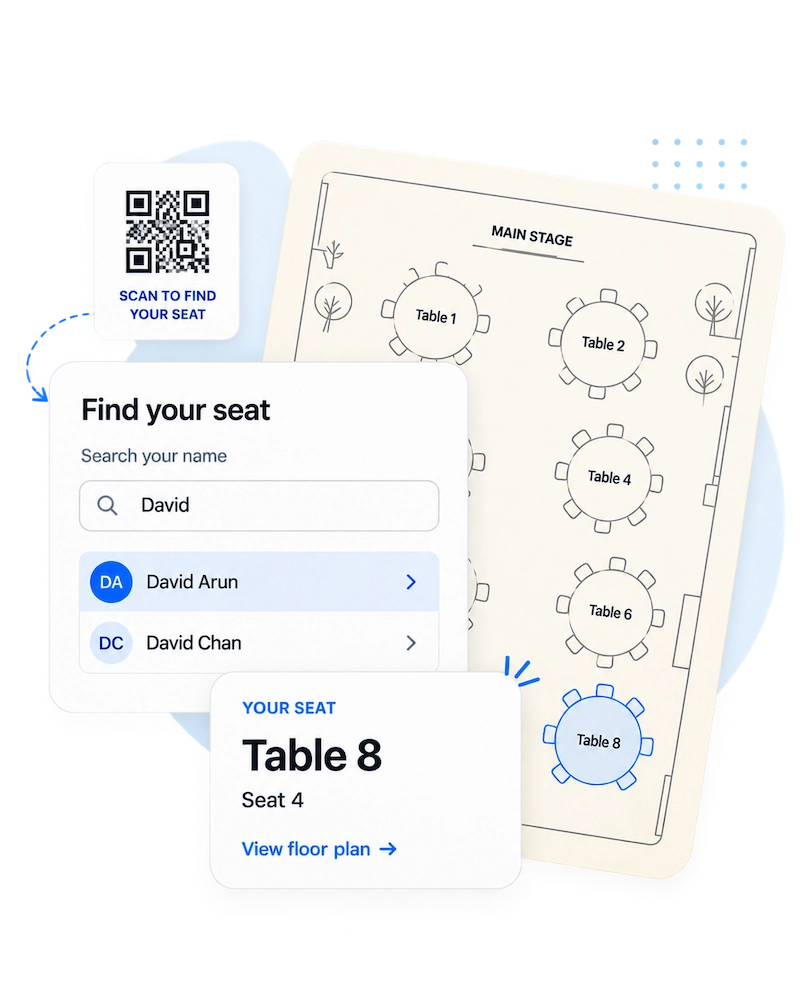
Find Your Seat is a self-service seating search page that lets event guests scan a QR code, search their name, and instantly see their table and seat.
Guests start typing their name and matches appear immediately - no dropdowns to scroll, no exact spelling required.
Nothing is shown until a guest picks their exact match, so the search page never lists every guest publicly.
With Search + Floor Plan, guests can open the static floor plan you upload alongside their seating result.
No. Guests use the page directly in their browser from a QR code or event link. There is nothing to download or sign in to.
Yes. After a guest selects the matching name from the search suggestions, the page shows the table and seat information saved for that guest.
Yes. The Search + Floor Plan package supports a static floor plan that guests can open to view alongside their seating result.
They scan the QR code or open the event link, search their name, select the matching suggestion, and then see their table and seat.
View Find Your Seat pricing to compare the guest search and floor plan packages.